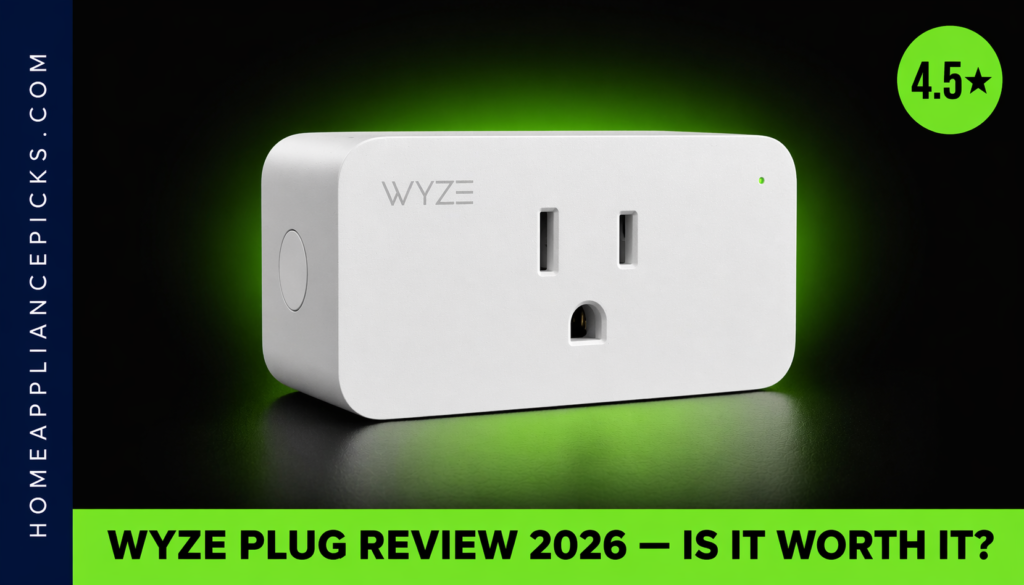
Wyze Plug Review (2026): Is It Worth It?
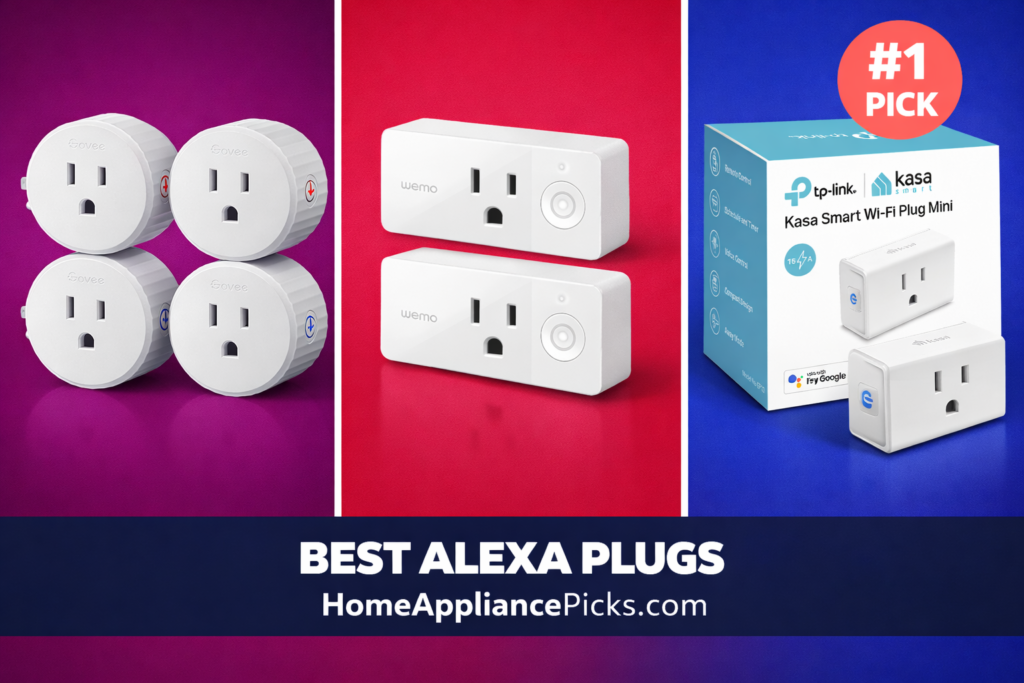
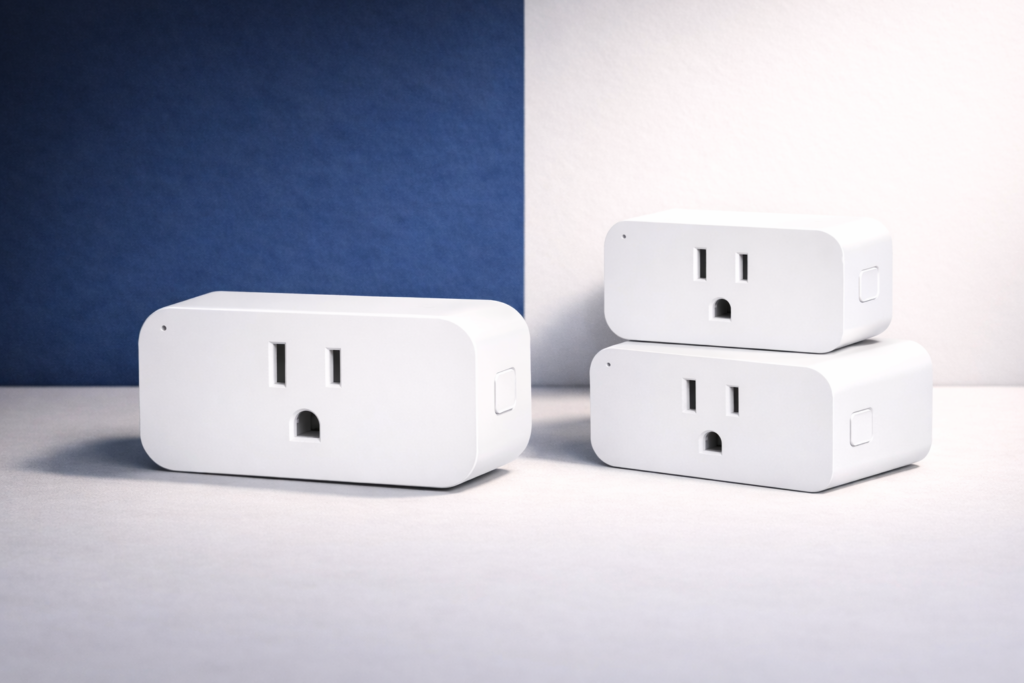
Disclosure: HomeAppliancePicks.com is a participant in the Amazon Services LLC Associates Program, an affiliate advertising program designed to provide a means for sites to earn advertising fees by advertising and linking to Amazon.com. As an Amazon Associate, I earn from qualifying purchases. All product prices are accurate at the time of publication. We independently research, test, and recommend products; we may receive commissions on purchases made through our links. Wyze Plug Review (2026): Is It Worth It? This Wyze Plug review covers everything you need to know before buying: how the setup actually goes, whether the app is reliable day-to-day, how well it works with Alexa and Google Assistant, and whether it’s genuinely worth the price. I tested the Wyze Plug two-pack in a real home setup for 30 days — running it on lamps, a space heater, a coffee maker, and a phone charging station — and this Wyze Plug review is what I found. Quick verdict: The Wyze Plug is one of the best budget WiFi smart plugs available in 2026. At around $15 for a two-pack, it’s hard to beat on price, and the app and Alexa integration both work reliably. If you’re building a basic smart home on a tight budget, or just want a few plugs to automate lamps and appliances without a hub, this Wyze Plug review will confirm it’s a strong buy. The main caveats: 2.4GHz only (no 5GHz), no energy monitoring, and the app requires an account. I’ll cover all of that below. In This Review Full Specs Design & Build Quality Setup & App Performance Alexa & Google Assistant Pros & Cons Price & Value Who Should Buy This FAQ Final Verdict Wyze Plug Review — Full Specs Model Wyze Plug (WLPP1) Available packs 2-pack (B07XZT24B8) · 4-pack (B08LP36L3Y) Connectivity 2.4GHz WiFi — no hub required Max load 15A / 1800W Voltage 120V AC Voice assistants Amazon Alexa, Google Assistant, IFTTT App Wyze app (iOS + Android) Scheduling Yes — daily and weekly schedules Energy monitoring No Apple HomeKit No Plug type Type A (US standard) Dimensions 2.5 × 1.5 × 1.3 inches Color White Price (2-pack) ~$15 Price (4-pack) ~$25 Design & Build Quality The Wyze Plug is compact — at 2.5 × 1.5 × 1.3 inches, it doesn’t block the second outlet on a standard wall socket. That sounds basic, but it’s a real problem with bulkier smart plugs that cover both outlets, effectively halving the value of your outlet. The Wyze’s slim profile solves this cleanly. The housing is matte white plastic, which looks clean on any wall and doesn’t attract fingerprints. Build quality feels solid for the price — not premium, but not flimsy either. The LED status indicator on the front is bright enough to see from across the room without being distracting at night. One physical detail worth highlighting in this Wyze Plug review: there’s a manual button on the side that lets you toggle the plug on and off without using the app. This matters more than it sounds — if the WiFi goes down or the app has an issue, you’re not locked out of your own outlet. It’s a small design decision that shows practical thinking about real-world use. The plug also has a flat back that sits flush against the wall without any gap, which looks noticeably cleaner than bulkier competing models. The white finish is the only color option, which works for most wall outlet locations. If you’re plugging into a surge protector on the floor, the LED indicator and logo face forward and are visible without crouching. Overall for a product in this price bracket, the physical design is thoughtful and well-executed. Setup & App Setup for this Wyze Plug review took me 4 minutes from opening the box to the plug appearing as a controllable device in the Wyze app. The process: download the app, create a Wyze account, plug in the plug, hold the button until the LED flashes, tap “Add Device” in the app, enter your 2.4GHz WiFi password. Done. No QR codes, no web portal, no hub to pair with a separate device. I tested it on an older single-band router and a mesh network — both connected without issue. The 2.4GHz requirement is worth noting upfront: if your router broadcasts 5GHz only without a 2.4GHz band (rare but possible on some older mesh setups), the Wyze Plug won’t connect. The Wyze app is genuinely one of the better smart home apps I’ve used at this price level. Scheduling is clear and flexible — you can set daily, weekly, or custom schedules with specific on/off times per day. There’s no limit on the number of schedules per plug, and the interface for creating them is the most intuitive I’ve encountered. The “Vacation mode” feature randomizes on/off times within a window you set, simulating occupancy when you’re away — a useful security feature that competitors charge more to offer. App reliability over 30 days: one dropped connection that resolved itself within 2 minutes without manual intervention. No crashes, no unresponsive switches. For a $7.50-per-plug smart outlet, that level of reliability impressed me. The app also supports device grouping — useful for controlling multiple Wyze Plugs simultaneously — though the automation logic is basic compared to premium smart home platforms. For simple scheduling and remote control, this Wyze Plug review confirms the app delivers everything most users need without unnecessary complexity. Performance I ran the Wyze Plug on four different loads over 30 days to test real-world reliability: Lamp (40W): Scheduled on at 7am, off at 11pm daily. Zero missed triggers across 30 days. Response time from app tap to plug switching: under 1 second on a solid WiFi connection, 1–2 seconds on a weaker signal at the edge of the network. The schedule ran accurately every single day without a single manual correction needed. Space heater (1500W): The Wyze Plug is rated at 1800W maximum, so a 1500W heater runs comfortably within spec. I ran