
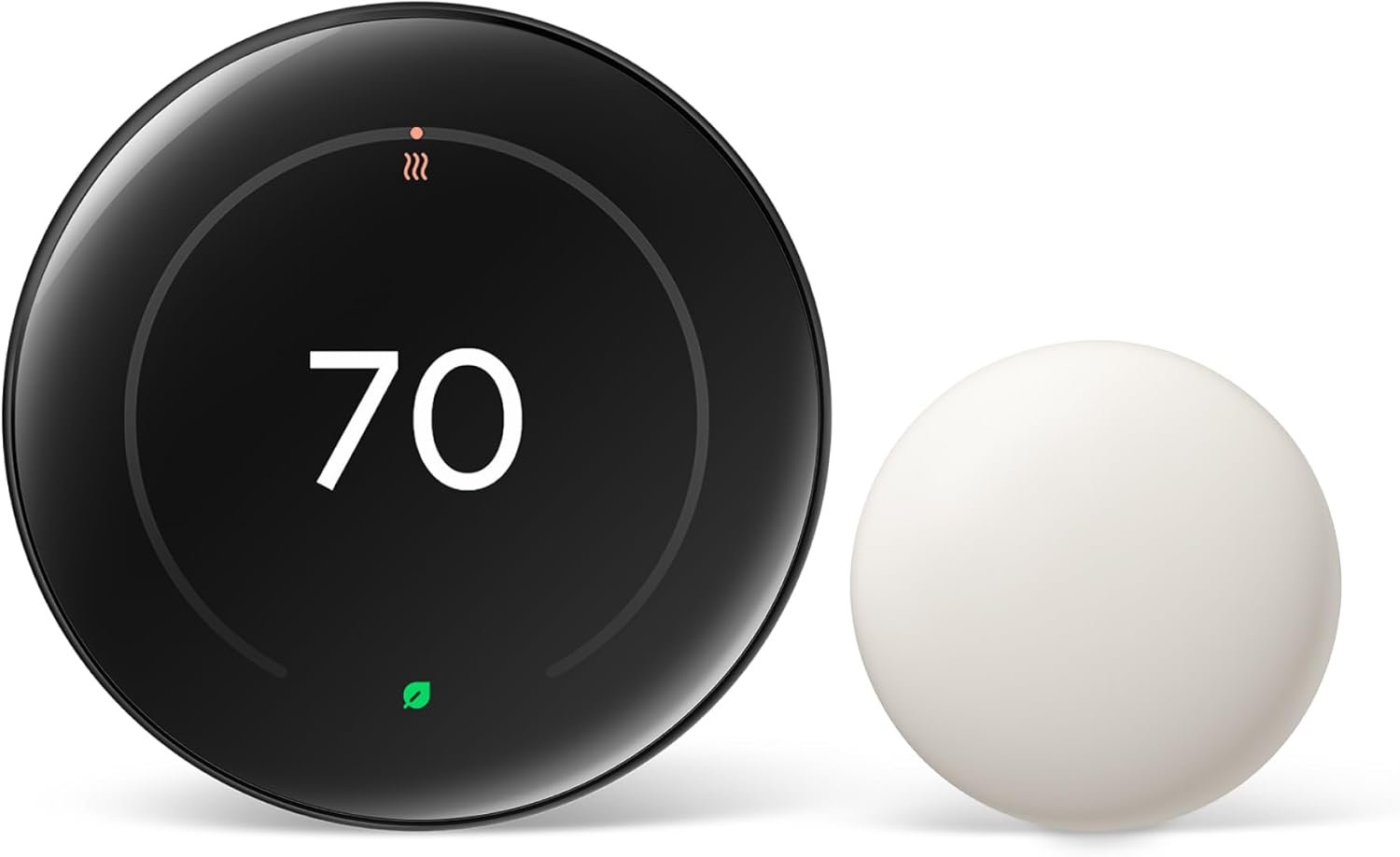
Google Nest Learning Thermostat (4th Gen)
The most beautiful thermostat ever made. The 4th Gen Nest features a stunning, crystal-clear display that looks like a floating gem on your wall. It uses advanced AI to learn your schedule automatically—turn it up when you're cold, down when you're hot, and after a week, it programs itself. It now supports Matter for broader smart home compatibility.
Check Price on Amazon →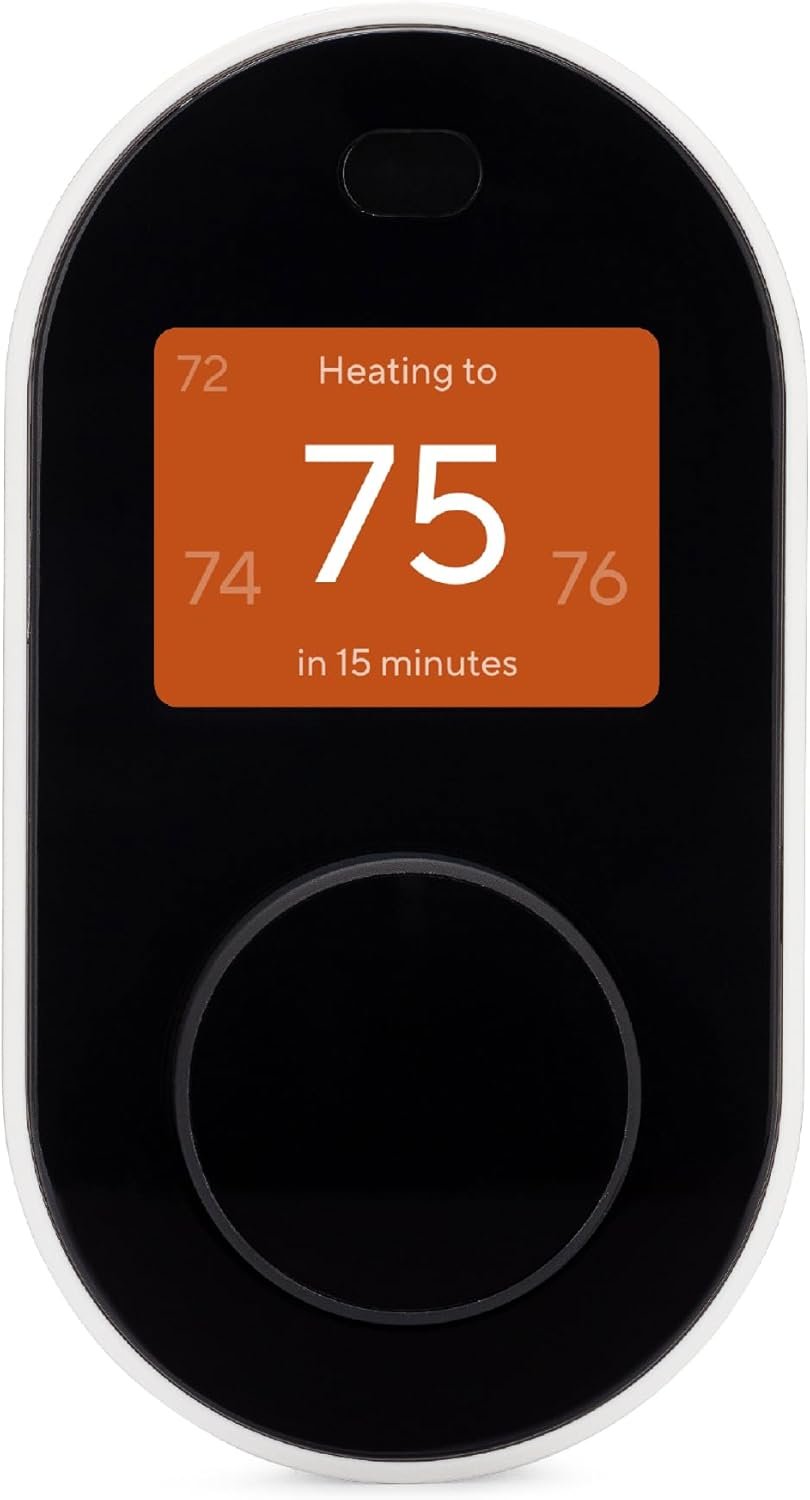
Wyze Smart Thermostat
Premium features for pennies. Wyze delivers a heavy hitter for a budget price. It includes a physical dial (satisfying to click) and a C-wire adapter in the box, making installation possible even in older homes. The app is robust, offering scheduling, usage tracking, and filter change reminders.
Check Price on Amazon →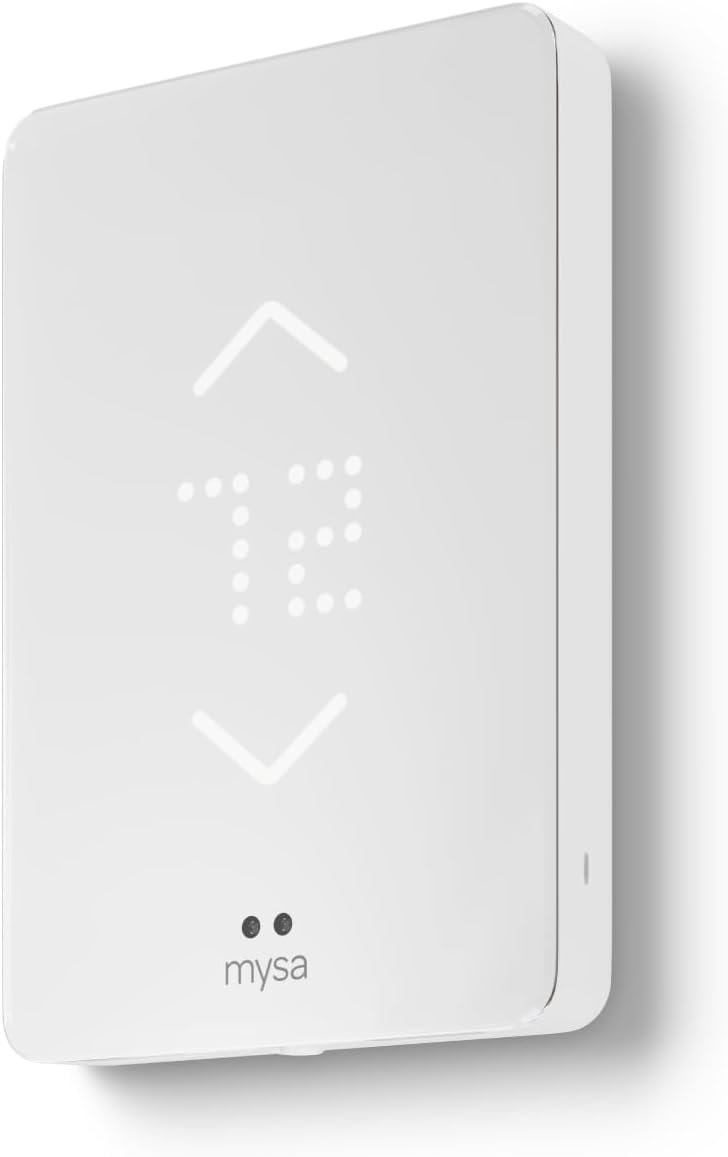
Mysa Smart Thermostat V2
The solution for high-voltage homes. Standard smart thermostats (like Nest) fry if connected to electric baseboard heaters (120V/240V). Mysa is designed specifically for them. It looks sleek, installs easily, and allows you to finally control your baseboard heat from your phone or voice assistant.
Check Price on Amazon →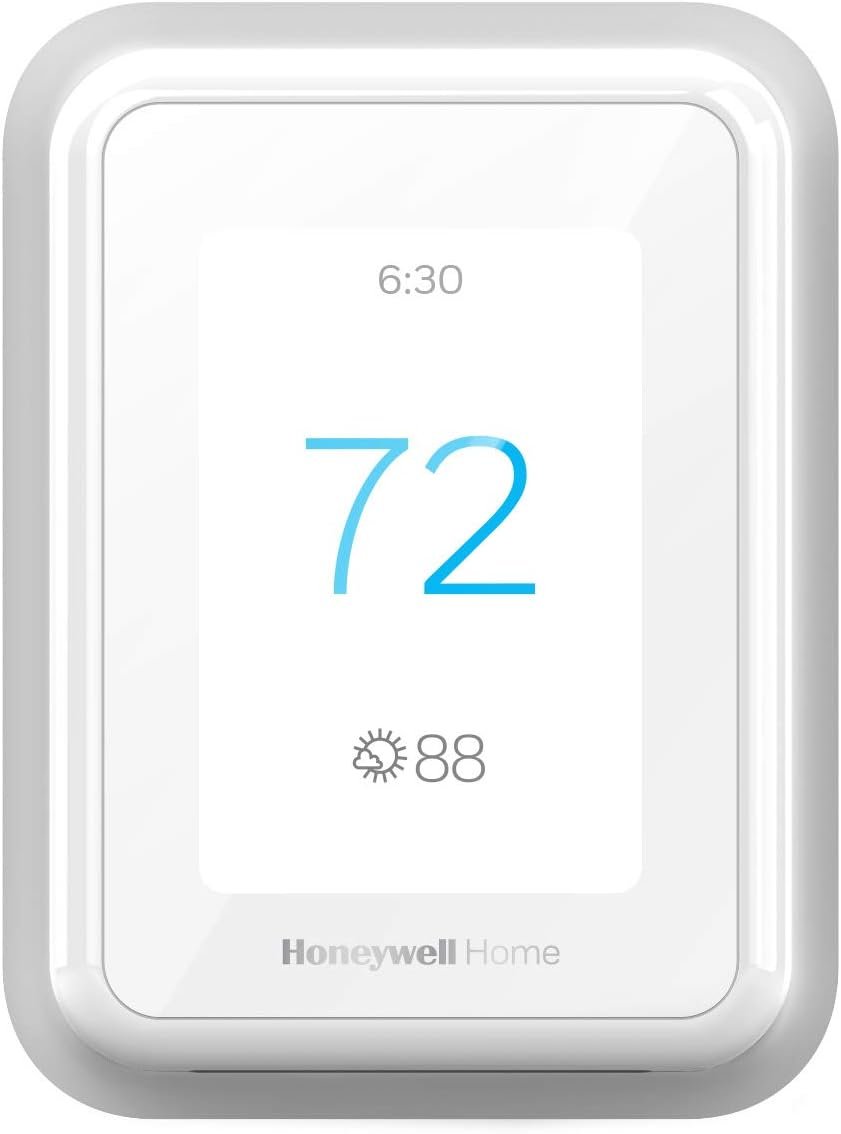
Honeywell Home T9 Smart Thermostat
Knows which room you're in. The T9 excels at balancing temperature in large houses. Its remote sensors have superior range (up to 200ft) compared to competitors. You can set it to prioritize the temperature of the room you are actually occupying, ensuring you're never freezing in the bedroom while the hallway is warm.
Check Price on Amazon →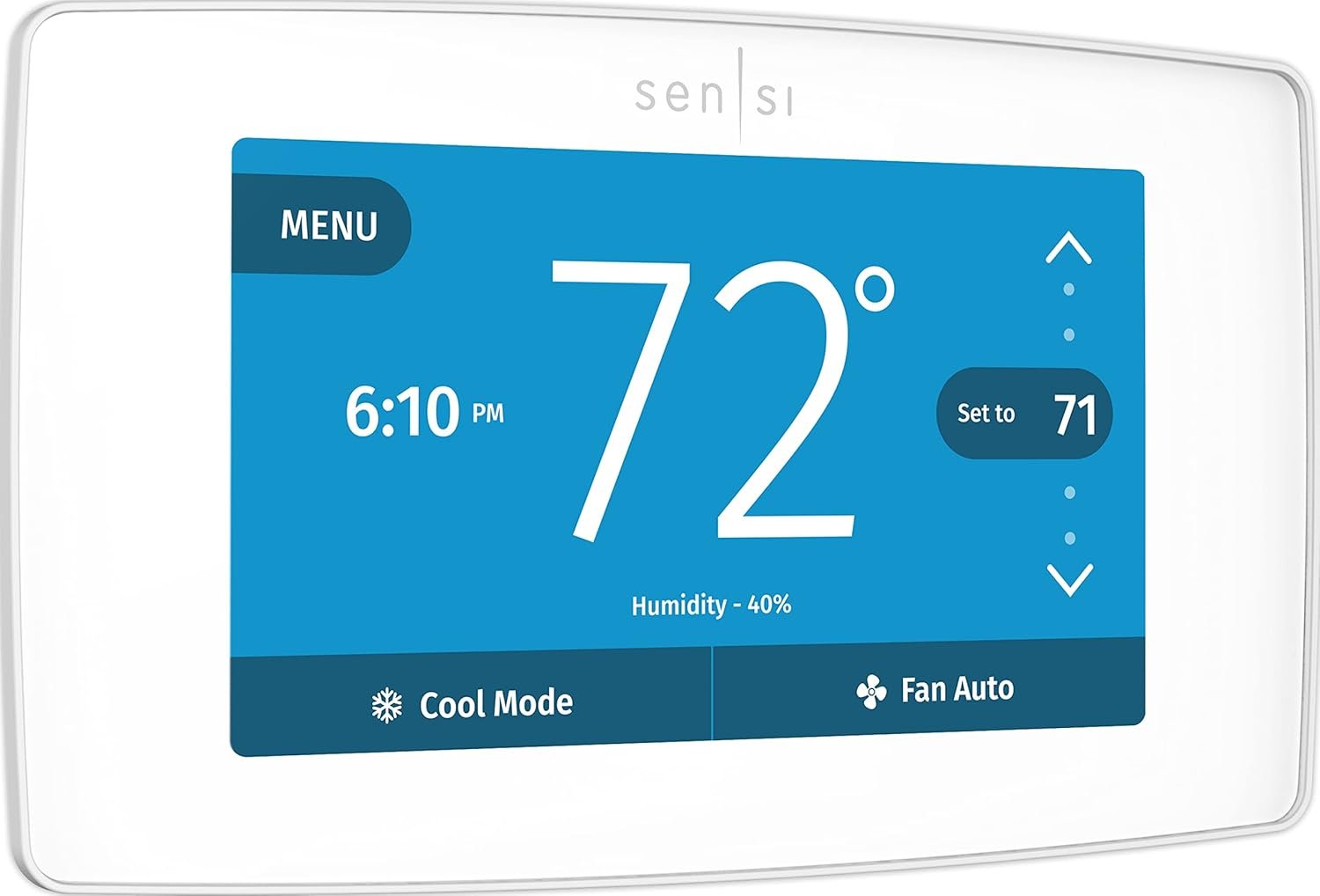
Emerson Sensi Touch 2
Smart features, familiar feel. The Sensi Touch 2 is favored by contractors because it looks and acts like a traditional thermostat but has smart guts. It doesn't rely on the cloud for basic schedules, meaning it keeps working even if your internet dies. It's also rated highly for privacy, selling less user data than big tech brands.
Check Price on Amazon →Best Overall: Ecobee Smart Thermostat Premium
✅ Pros
- Includes SmartSensor for hot/cold spots
- Built-in Air Quality Monitor
- Works natively with HomeKit, Alexa, & Google
- Premium glass & zinc construction
❌ Cons
- Most expensive option ($250+)
- Requires C-Wire (adapter included but requires wiring)
- Speaker quality is basic for music
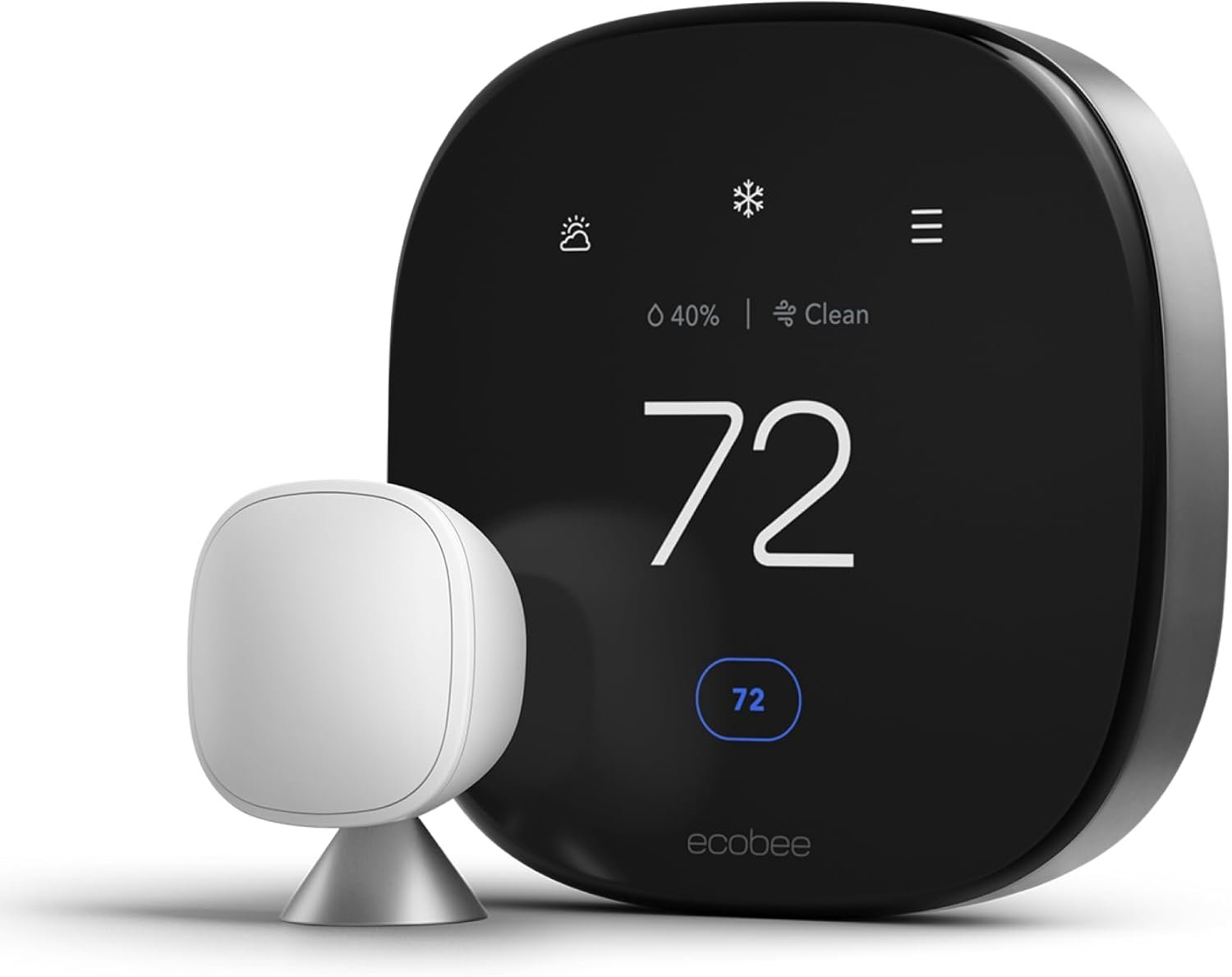 The smartest device on your wall
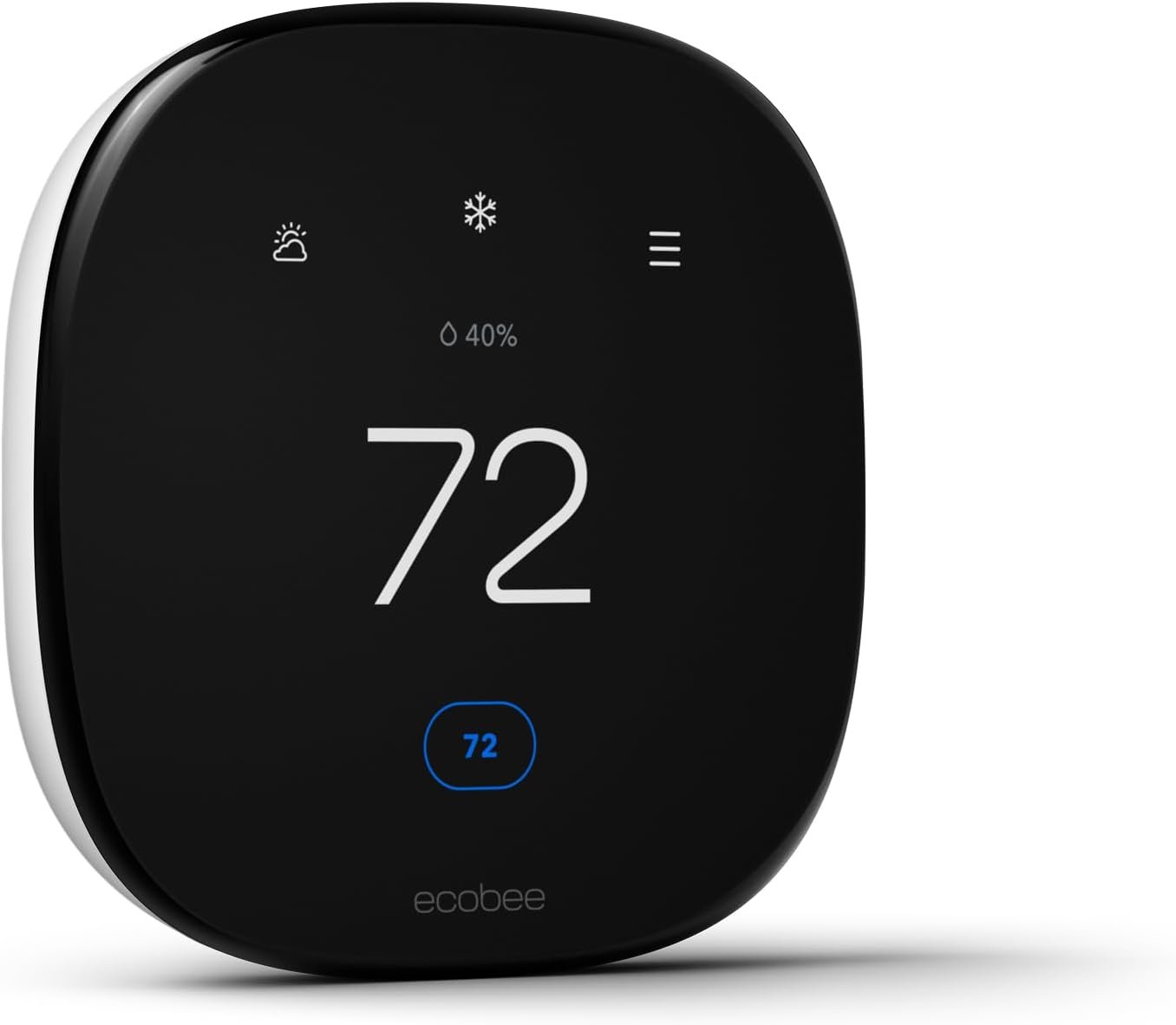
Ecobee 3 Lite
If you don't need a voice assistant built into your wall, the Ecobee 3 Lite is the smart choice. It has the same scheduling intelligence, app control, and compatibility with room sensors as the Premium model, but without the speaker, microphone, or air quality monitor. It's the perfect balance of price and performance.
- Same core heating/cooling logic as Premium
- Works with HomeKit, Alexa, Google
- Compatible with SmartSensors (sold separately)
- Affordable price point
- No occupancy sensor on unit itself
- Plastic body feels less premium
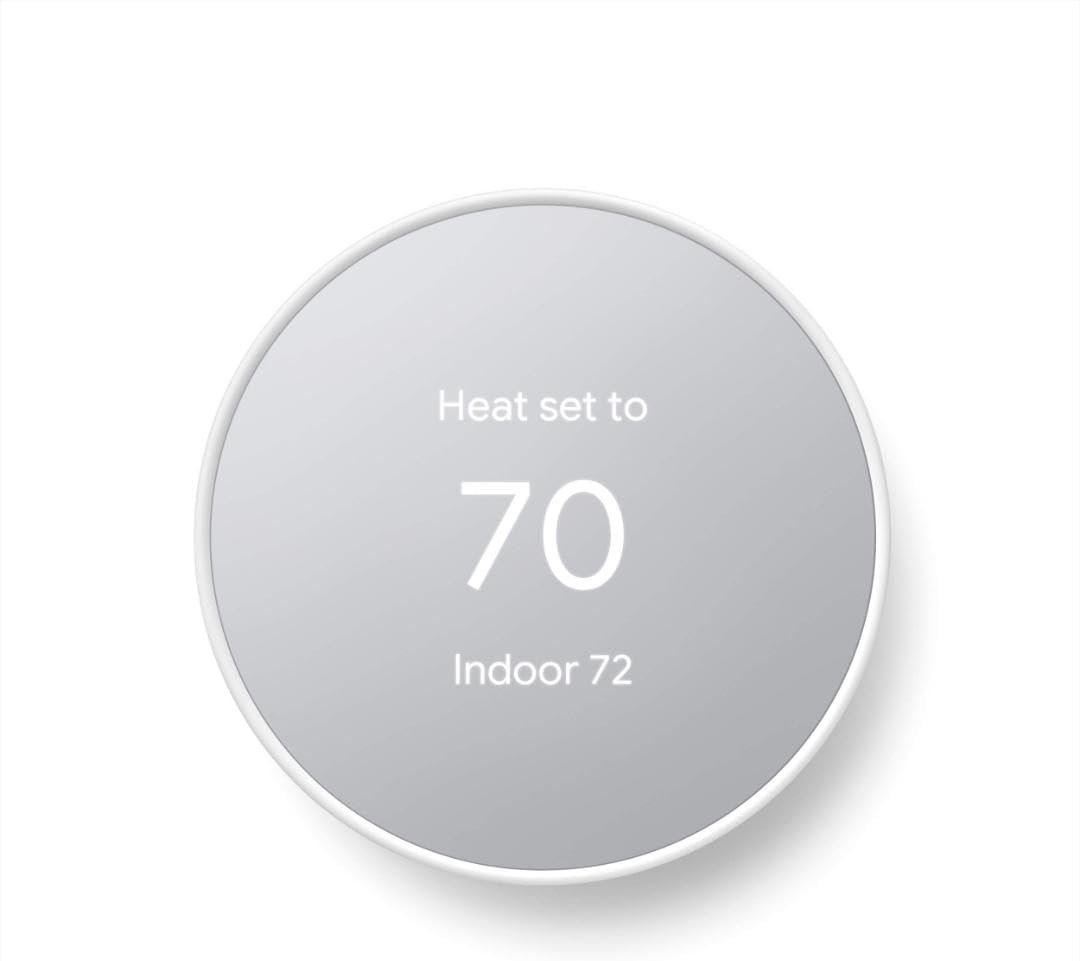
Google Nest Thermostat (2020 Model)
This budget-friendly Nest abandons the rotating dial for a touch-sensitive side strip. It uses a mirrored display that blends into the background. A key feature is its ability to work without a C-wire in many homes (though not all), using AAA batteries as a backup power source. It's simple, elegant, and effective.
- Often works without C-wire (AAA backup)
- Sleek, mirrored aesthetic
- Uses Soli radar for motion detection
- Very affordable (often under $100)
- Not compatible with remote sensors
- Side touch controls can be finicky
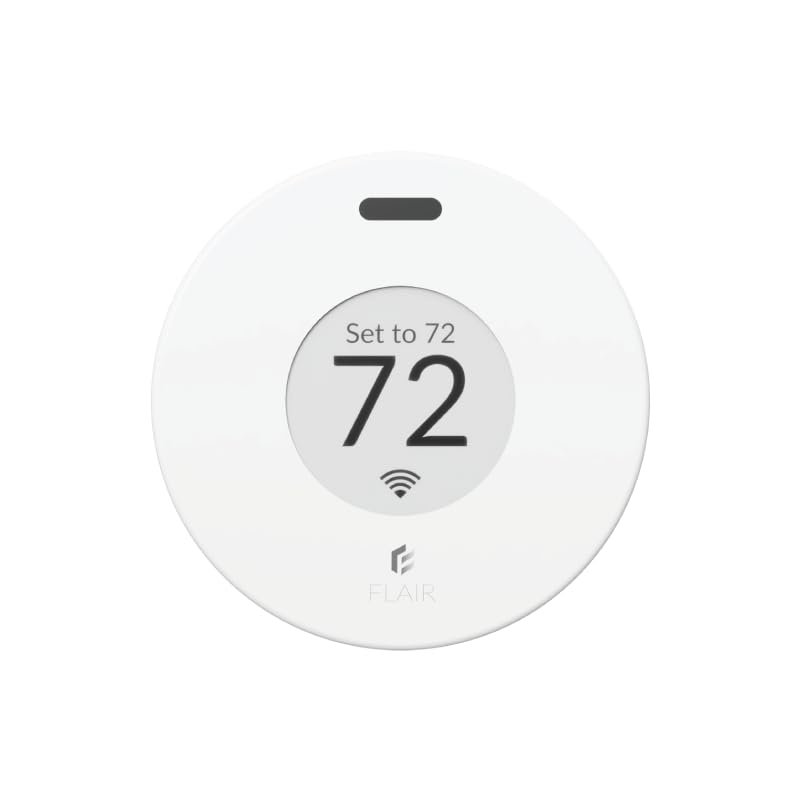
Flair Puck Smart Controller
Do you have a window AC unit or a ductless mini-split with a remote? The Flair Puck is for you. It sits on your wall and sends Infrared (IR) signals to your AC unit, turning it into a smart device. It acts as the thermostat, reading the room temp and turning the AC on/off to maintain comfort automatically.
- Works with 1000s of AC/Mini-split brands
- Battery or USB powered
- Can also control smart vents
- E-ink display is easy to read
- Requires line-of-sight to the AC unit
- Setup can be complex
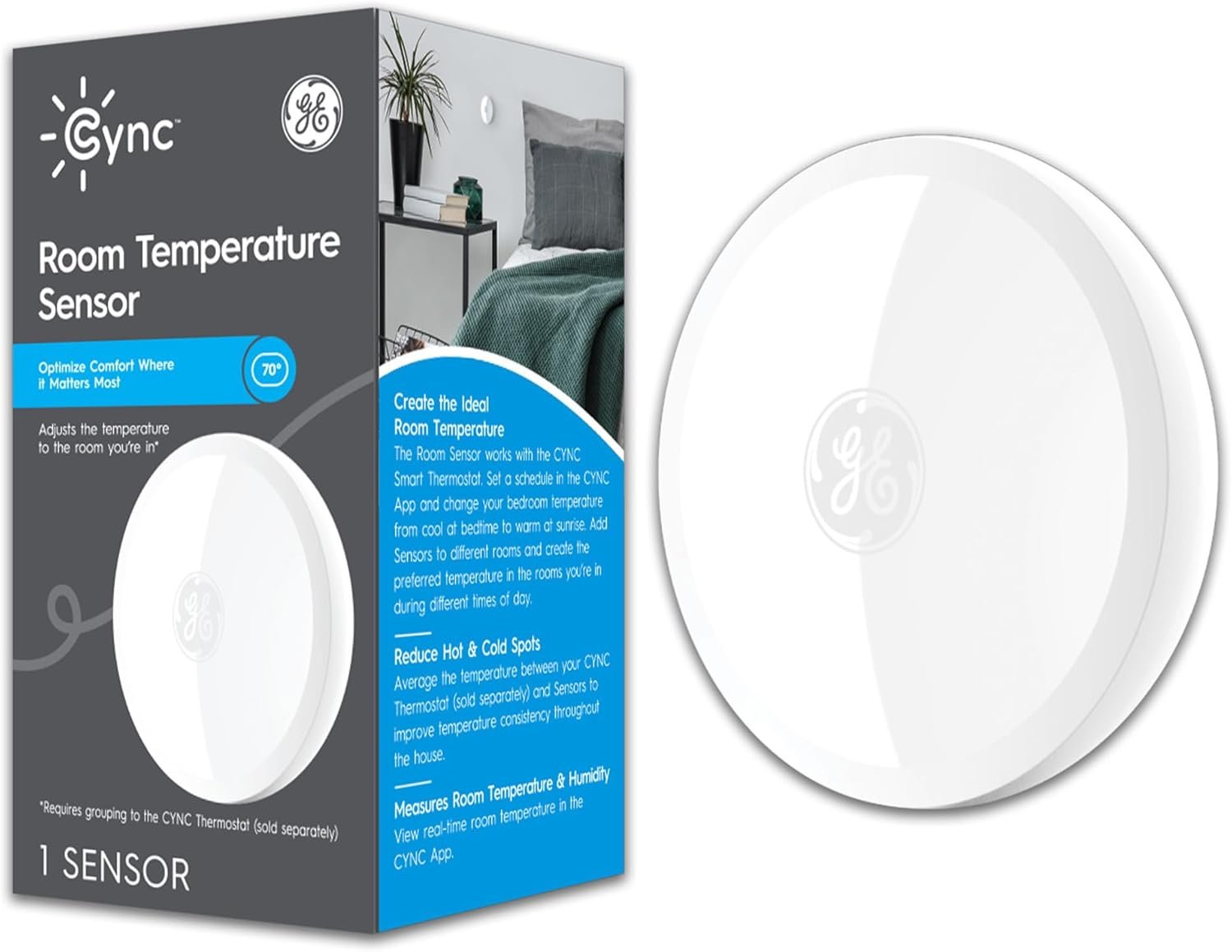
GE Cync Smart Thermostat
GE Cync is designed for older homes. It comes with a Power Extender Kit (PEK) in the box, which allows it to work in homes without a C-wire by stealing power from the furnace control board. It has a huge, high-contrast display and works seamlessly with the Cync app for scheduling without a subscription.
- Includes C-wire adapter kit
- Large, easy-to-read screen
- Competitively priced
- Works with optional room sensors
- Installation involves wiring at the furnace
- Plastic feels a bit cheap
Live #1 Best Seller ON Amazon
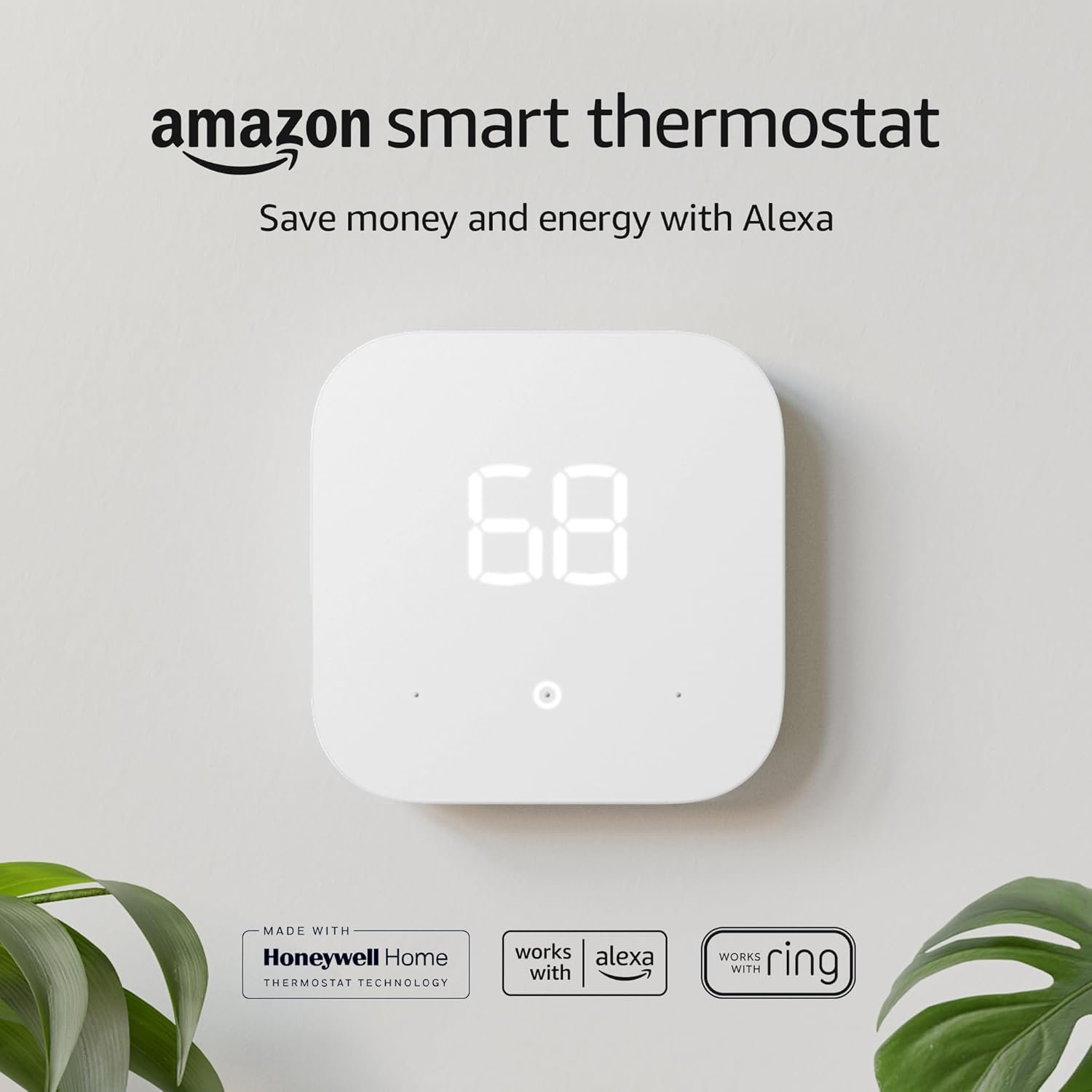
Amazon Smart Thermostat
Built in partnership with Honeywell Home, this thermostat strips away the fancy glass screen to deliver pure performance at an unbeatable price. It uses Alexa "Hunches" to automatically adjust the temperature when you sleep or leave.
Check Price on Amazon →